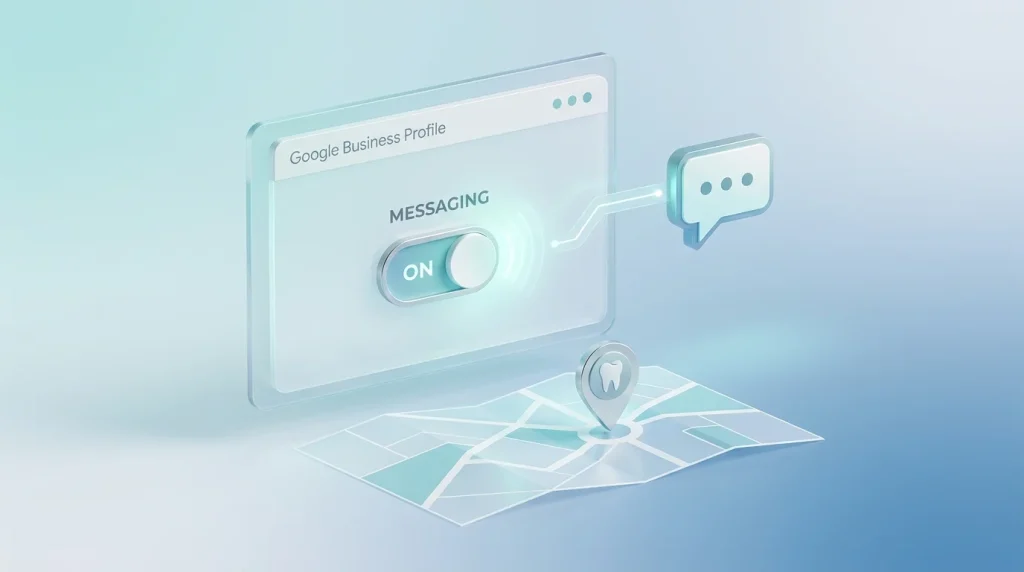
If you searched for “Google Business Profile messaging” and expected a chat window built into your dashboard with its own welcome message and auto-replies, that feature no longer exists. Google Business Messages was discontinued on July 31, 2024, meaning developers could no longer use it to let users engage with brands through Google entry points or third-party channels. As of July 31, 2024, the chat and call history features are no longer available in Business Profile, so businesses can no longer interact with customers through chat there. Google Support
What replaced it is simpler, but still useful for a dental practice: businesses with a claimed and verified Business Profile can now add a WhatsApp or text messaging option to their contact info, giving customers a direct way to reach the business in real time. This means Google Business Profile messaging for a dental practice today is really about connecting an existing channel, not activating a Google-native chat window.
For a dental practice, this is a meaningful shift in what “setting up messaging” actually involves. There is no toggle to activate an in-house chat feature anymore, no dashboard-configured welcome message stored on Google’s side, and no built-in auto-reply system controlled from the Business Profile app. Instead, setup is about connecting WhatsApp or SMS text to your profile.
Table of Contents
How to add chat to your dental practice’s Google Business Profile
To add this option: go to your Business Profile, select Edit profile, then Contact, and click Edit next to “Chat.” From the dropdown, select either WhatsApp or Text message, then add the corresponding WhatsApp click-to-chat URL or a phone number that can receive text messages, and save. Full step-by-step instructions and regional eligibility are maintained directly by Google: Google Business Profile Help.
Choosing WhatsApp vs. text message
If you add both a WhatsApp and a text message option, only the text message option will be shown to customers, so pick the one your front desk can realistically monitor rather than configuring both. For most US dental practices, a dedicated practice phone number set up for SMS is usually easier to staff consistently than a WhatsApp business account, unless the practice already uses WhatsApp for other patient communication.
Regional availability limits
Chat options are currently available only in select regions and might not be available for every Business Profile, so the first step for any practice is to confirm the option actually appears under Contact before building a workflow around it. If it isn’t available yet for your practice, the phone number and website link on your profile remain the primary contact channels in the meantime.
Response time still matters, even on the new system
The underlying incentive that made the old chat feature valuable to local rankings hasn’t disappeared; it has just moved to a different channel. Google continues to reward fast, consistent responses to patient inquiries, whether those inquiries arrive by phone, form, or the WhatsApp/text option on your profile. A practice that treats its new chat number the way it treated phone calls- someone specific checking it regularly during business hours- keeps the same competitive advantage the old messaging feature was designed to create.
The practical difference now is that response-time tracking and any visible indicators to patients occur within WhatsApp or your SMS platform’s own conventions, not within a Google-controlled badge on your profile. That makes it more important, not less, that your team treats this number as a monitored line rather than a static contact detail.
Setting expectations without a native auto-reply
Since Google no longer provides a built-in auto-reply or welcome message tied to your profile, any automated first response now has to be configured on the WhatsApp or SMS side directly. WhatsApp Business accounts support their own automated greeting messages and away messages, and many SMS platforms used by dental practices offer similar auto-response tools.
If you set one up, keep the same principles that applied to the old system: confirm receipt, give an honest reply window, and redirect anything urgent to a phone call rather than trying to triage a dental emergency over text. Avoid asking the patient to share symptoms or insurance details in the automated message itself, for the same HIPAA-related reasons covered in HIPAA-safe messaging templates for dental GBP chat.
Who on your team should own this channel?
Whoever owns your practice’s WhatsApp or SMS number needs to treat it with the same discipline the earlier native chat feature demanded. For most single-location practices, this is the front desk or scheduling coordinator, since they’re already handling phone inquiries and can fold this channel into the same workflow.
Make sure notifications for the chosen number are genuinely turned on and checked during business hours, not just theoretically available. A number added to a profile and then left unmonitored creates the same silent gap the old chat feature’s neglect used to create, just through a different app.
Once your chat channel is live, keep it accurate alongside the rest of your profile, including the dental Google Business Profile optimization guide, and consider proactively seeding your GBP Q&A section with the same accurate, owner-verified information patients might otherwise ask you directly.
Common setup mistakes to avoid
- Assuming the classic chat feature still works. Some older guides and even some staff training materials still describe the pre-2024 system. Confirm what’s actually available under Edit profile → Contact before building a plan around it.
- Adding both WhatsApp and text without checking which one displays. Only the text message option shows if both are added, so pick deliberately rather than adding both by default.
- Assuming the option is available before checking. Regional rollout means it may not appear for every practice yet.
- No monitoring plan for the connected number. The channel is only as good as the person watching it.