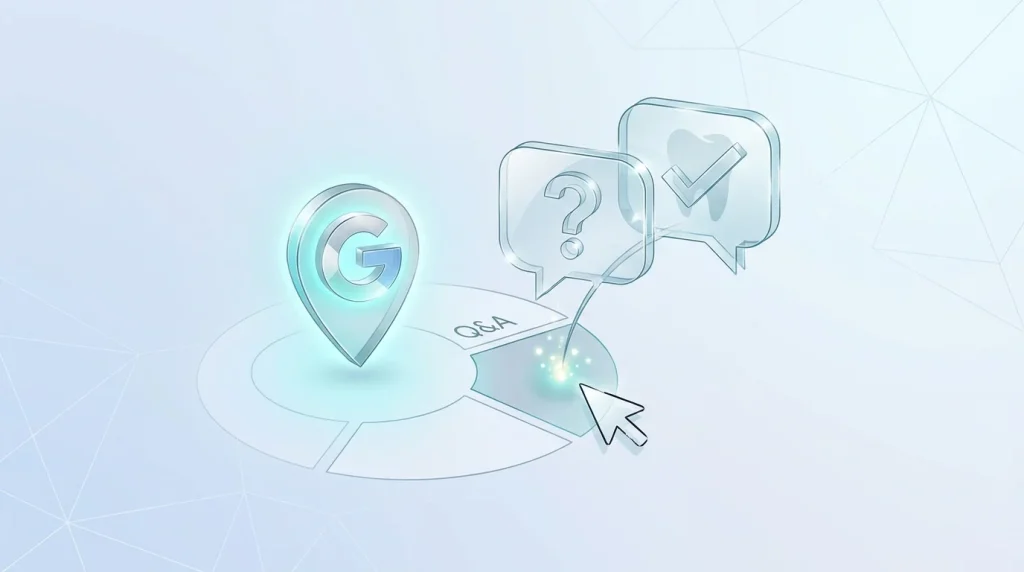
If you were planning to seed your practice’s Google Business Profile Q&A section with common patient questions, that tactic no longer applies. Google began phasing out the public Q&A section starting December 3, 2025, after first removing developer API access to it on November 3, 2025. New business profiles are now created without a Q&A feature at all, and existing Q&A content is being removed from both desktop and mobile search results over time.
In its place, Google launched Ask Maps on March 12, 2026, a Gemini-powered conversational feature built into Google Maps. As explained in Google’s official announcement introducing Ask Maps, the feature enables users to ask natural-language questions about businesses and receive AI-generated responses based on trusted local information. Instead of scrolling through a list of previously posted questions and answers, a patient now taps an “Ask about this place” prompt or types a natural question, and Gemini generates a real-time answer using your profile data, your reviews, and your website.
For a dental practice, this changes the entire premise of dental GBP Ask Maps optimization. There is no longer a box you write into directly. Your influence over what patients see is now indirect, exercised through the completeness and accuracy of your profile rather than through pre-written answers.
Table of Contents
How Ask Maps answers questions about your practice instead
Ask Maps does not browse the open web to answer a patient’s question about your practice. It works from what already exists in your Business Profile, so a thin or outdated profile gives the AI very little to work with and can result in a vague or inaccurate answer being generated on your behalf.
What data Ask Maps actually reads
Gemini pulls from your profile’s categories, attributes, listed services, hours, and photos, along with the content of your patient reviews and, where available, your website. If a patient asks Ask Maps something like “does this dentist see nervous patients” or “do they have weekend appointments,” the AI is matching that question against whatever specific information exists across those sources, not against a question you pre-wrote yourself.
This means the practical work of Q&A optimization has shifted from writing your own entries to making sure every other part of your profile is detailed and current enough that Gemini has accurate material to draw from.
Preparing your profile so Gemini answers correctly
Attributes and services: fill every field
Empty or vague fields give Ask Maps nothing to match against a specific patient question. A dental practice benefits from filling in every relevant attribute (wheelchair accessibility, appointment types, languages spoken) and listing services in detail rather than with a single generic line like “General Dentistry.” A service description written as “Emergency same-day appointments available for toothaches, broken teeth, and lost fillings, subject to availability” gives the AI concrete material to answer a specific emergency-related question, where “Emergency Dentistry” alone does not.
Reviews now double as your FAQ
Since Gemini reads and cites patient reviews when generating answers, the specificity of the reviews your practice collects now matters more than it used to. A review that mentions details like same-day availability for a cracked tooth and a comfortable numbing process gives the AI concrete, quotable material for a future patient asking about emergency visits or pain management. A generic “Great experience, highly recommend” gives Gemini almost nothing to work with. When requesting reviews, a gentle prompt asking patients to mention what stood out about their visit produces far more usable material than a plain request for stars. This connects directly to the review-generation practices covered in Dental Practice Google Reviews: Complete 2026 Guide.
Keep your website aligned with your profile
Ask Maps also draws from your linked website, so any mismatch between what your profile claims and what your website actually says creates a credibility gap the AI must reconcile, sometimes by simply not surfacing that claim at all. If your profile lists sedation dentistry as a service, make sure your website describes it with the same level of detail, since inconsistency between the two sources weakens how confidently Gemini can answer a related question.
What to do with old Q&A content that may still be visible
Some practices may still see legacy Q&A content on their profile during the rollout period, since Google is removing this feature gradually rather than all at once. No indication that leaving old, accurate Q&A entries visible causes any harm while they remain, but there is also no ongoing benefit to writing new ones, since new profiles no longer support the feature and existing sections are being phased out. If your practice already seeded Q&A content in the past, that investment isn’t wasted: useful information about parking, insurance, or new patient policies can simply be moved into your website’s FAQ section instead, where it continues to serve both human visitors and the AI systems reading your site.
What this means for practices that already invested in Q&A
Practices that spent time carefully seeding their Q&A section haven’t lost that effort entirely. The same information- insurance accepted, parking availability, walk-in policy- still needs to exist somewhere, and a well-structured FAQ page on your own website, marked up with the appropriate schema, now serves a similar purpose while also feeding both traditional search and AI-driven features like Ask Maps. What changes is where that information lives and how directly you control it: no longer a box on your Google profile, but a page on your own site that you fully own and can update at any time. Once your GBP chat channel and your profile completeness are both handled.